Shop the world from your iPhone
Translate Taobao, 1688, Rakuten, Coupang, and any foreign shopping app — in real time.
 Free trial, no account needed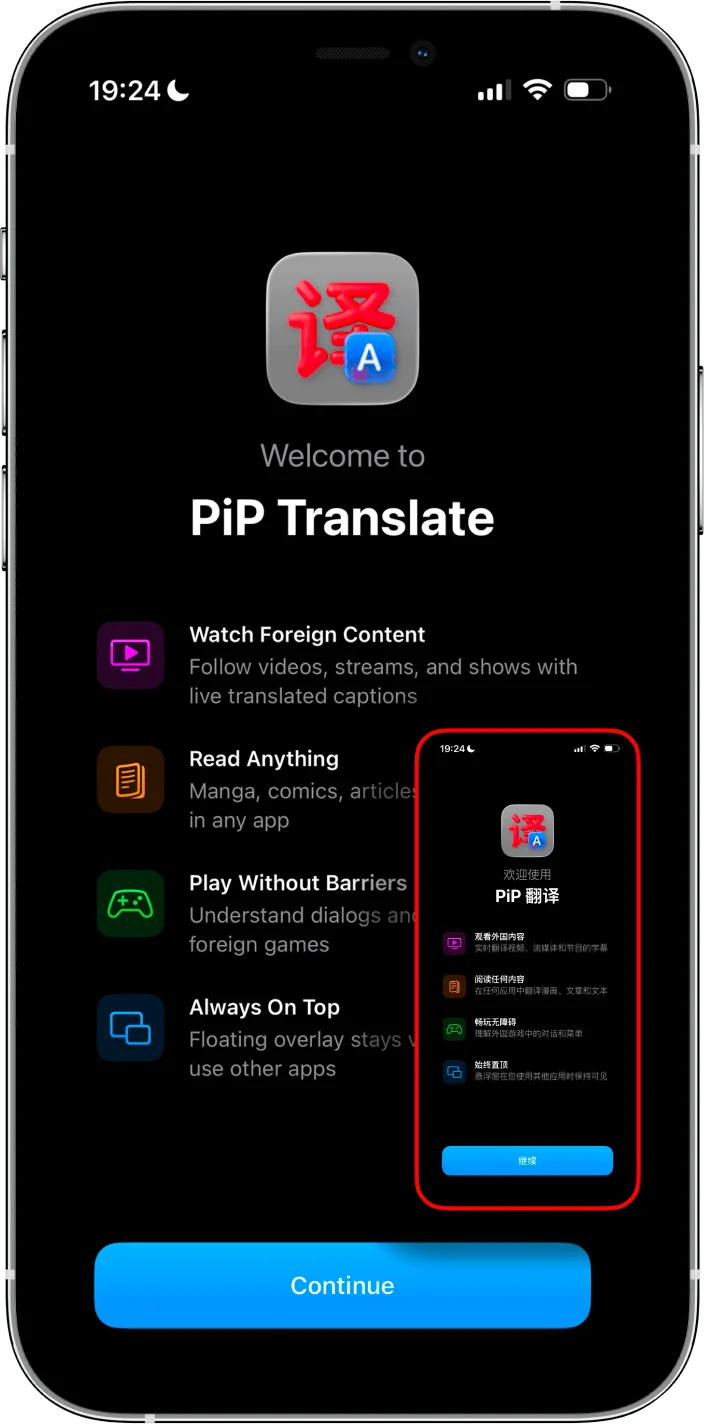
The shopping translation nightmare
"I would always have to keep my Google translate on standby and it honestly takes a reallyyyyy long time" — Taobao user
1688 has no English version at all. "How can I translate the 1688 iPhone app into English?" is one of the most common questions on Reddit. The answer used to be: you can’t, not really.
Taobao's English mode? It breaks things. Users report "some items in shopping carts couldn't be bought" after switching languages. You're trading readability for a broken checkout.
And the screenshot workflow is brutal. One way to tell who a foreigner is — seeing if they have tons of random screenshots in their camera roll from constantly screenshotting apps to translate them.
Every platform, one overlay
PiP Screen Translate works on top of any shopping app. Here's what it fixes.
Taobao
English mode breaks functionality — "some items in shopping carts couldn't be bought." Product descriptions, seller notes, and reviews stay in Chinese. Full Taobao guide →
1688
No English version at all. "How can I translate the 1688 iPhone app into English?" — you can't, unless you use an overlay.
Rakuten Japan
Japan's biggest marketplace. Product pages, shipping options, and seller reviews are all in Japanese. Browser translation misses the app entirely. Japan buying guide →
Mercari Japan
Japanese secondhand marketplace with unique finds. Condition descriptions, shipping details, and seller comments are all in Japanese.
Coupang
Korea's Amazon. Rocket delivery deals, product specs, and reviews are in Korean. No English app version.
Shopee
Huge in Southeast Asia. Listings from Thai, Vietnamese, and Indonesian sellers are in local languages. Seller chat is untranslatable without an overlay.
Yahoo Japan Auctions
Japan's eBay equivalent. Auction details, bid conditions, and seller terms are entirely in Japanese. Missing a detail can cost you. Japan buying guide →
Meituan
China's food delivery super-app. Restaurant menus, dish descriptions, and delivery notes are all in Chinese. Essential if you're living in or visiting China.
Why Google Translate doesn’t cut it for shopping
App-switching kills your flow
Screenshot, switch to Google Translate, upload, read, switch back. By the time you’re done, you've lost where you were. Do this 50 times per shopping session.
You lose your cart position
Some apps reload when you switch away. Your scroll position, filters, and even cart items can reset. On Taobao, switching languages can make items un-purchasable.
Text in images can’t be selected
Product photos with text overlays, size charts baked into images, promo banners — none of this can be copy-pasted. You need OCR, and PiP does it automatically.
How it works
PiP Screen Translate uses iOS Picture-in-Picture to float a translation window over any shopping app. OCR reads foreign text on your screen and shows the translation instantly.
- 1
Open PiP Screen Translate
Start the picture-in-picture overlay.
- 2
Switch to your shopping app
Taobao, Rakuten, Coupang — any app. The overlay stays on top.
- 3
Browse and shop normally
Translation updates as you scroll. Add to cart, checkout, read reviews — all translated in real time.
Frequently asked questions
Can I translate Taobao on iPhone?
How do I use 1688 in English?
Is there a way to translate Rakuten Japan?
Can I shop on Coupang in English?
Does PiP work with food delivery apps like Meituan?
Can I translate product descriptions in any shopping app?
Shop anywhere. Language is no longer a barrier.
Real-time translation overlay. Free trial, no account.